Published Benchmarks (SSYZ Benchmarks)
Benchmark List and Filtering
Benchmarks published on the platform can be accessed using the “SSYZ Benchmarks” button. Listings can be filtered using the left-panel options. Clicking any benchmark opens its detailed view page.

Benchmark Details Page
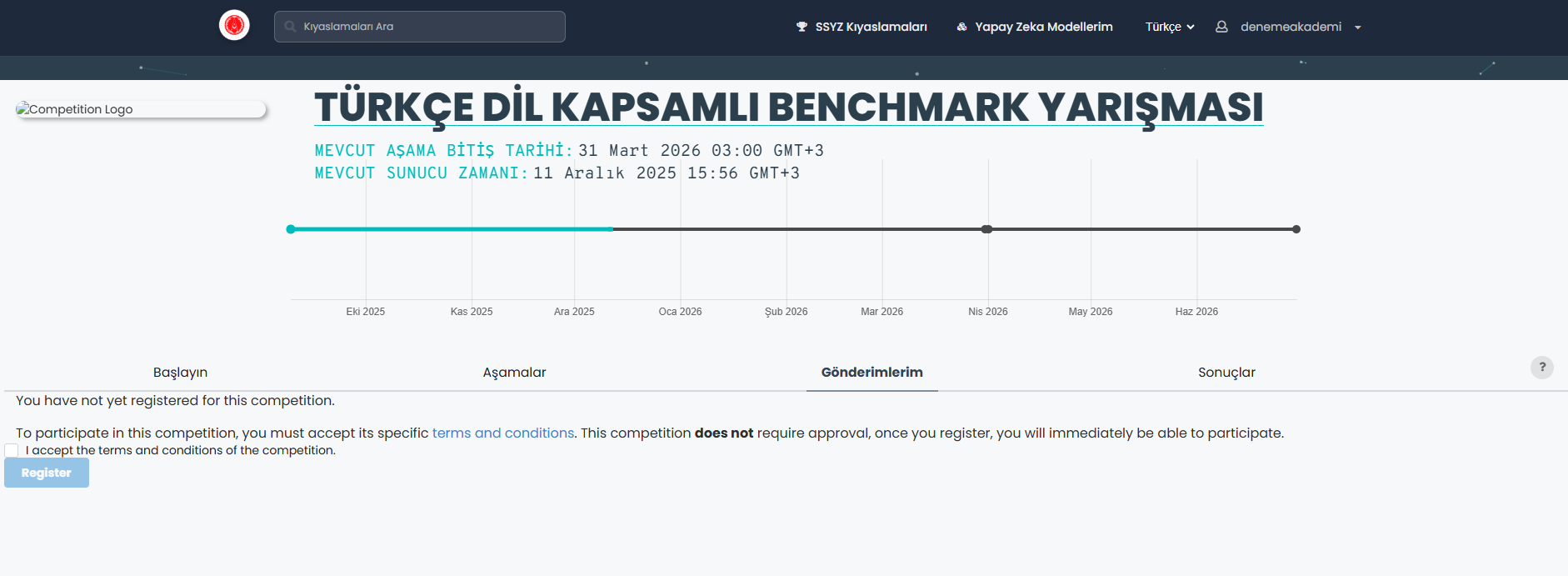
On the details page, users can view: 1. Benchmark start and end dates, 2. Participation requirements, 3. General descriptions and notices under the “Get Started” section (these may vary by benchmark).
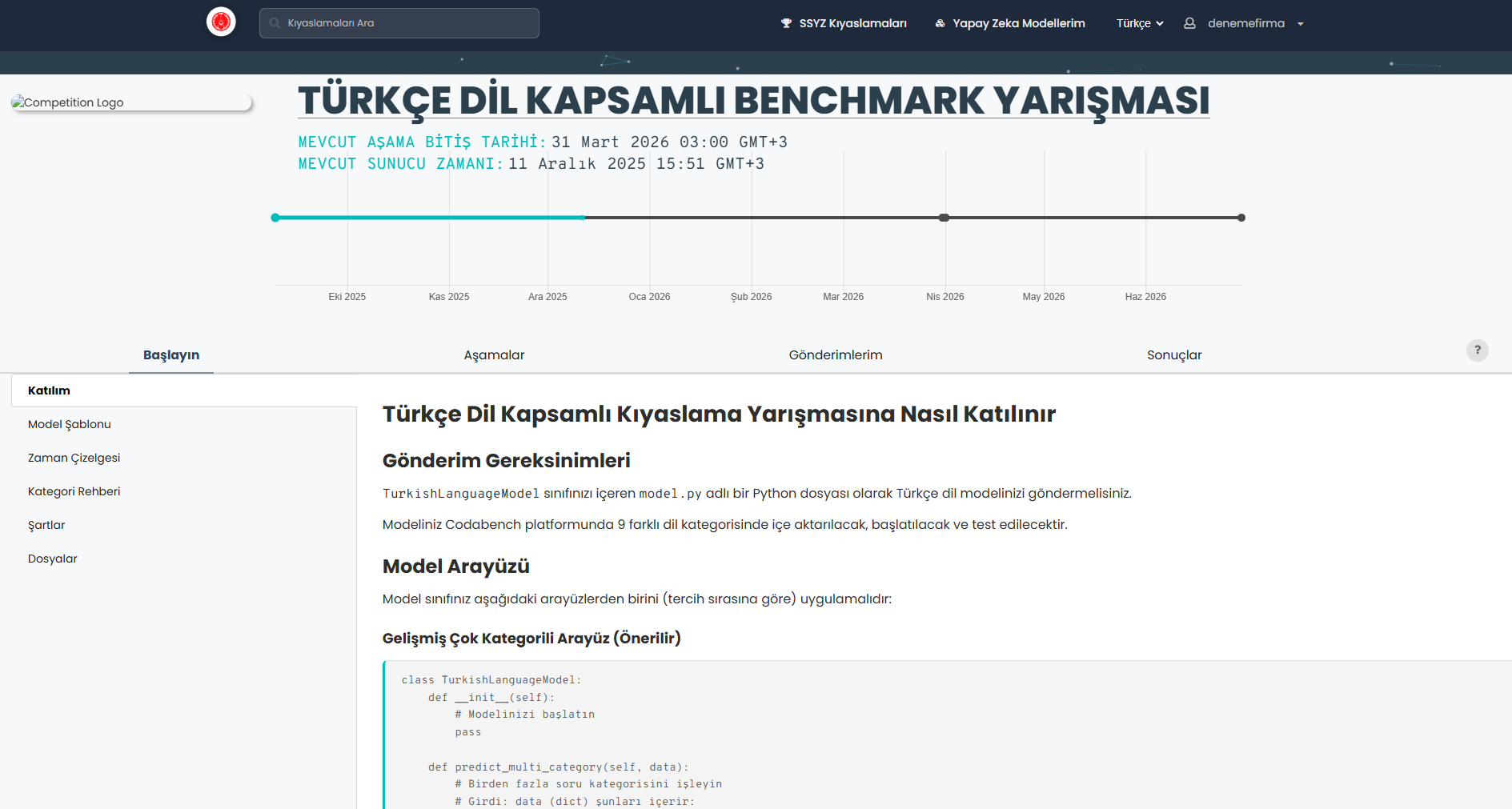
The “Phases” tab includes the schedule and explanations for each benchmark phase.
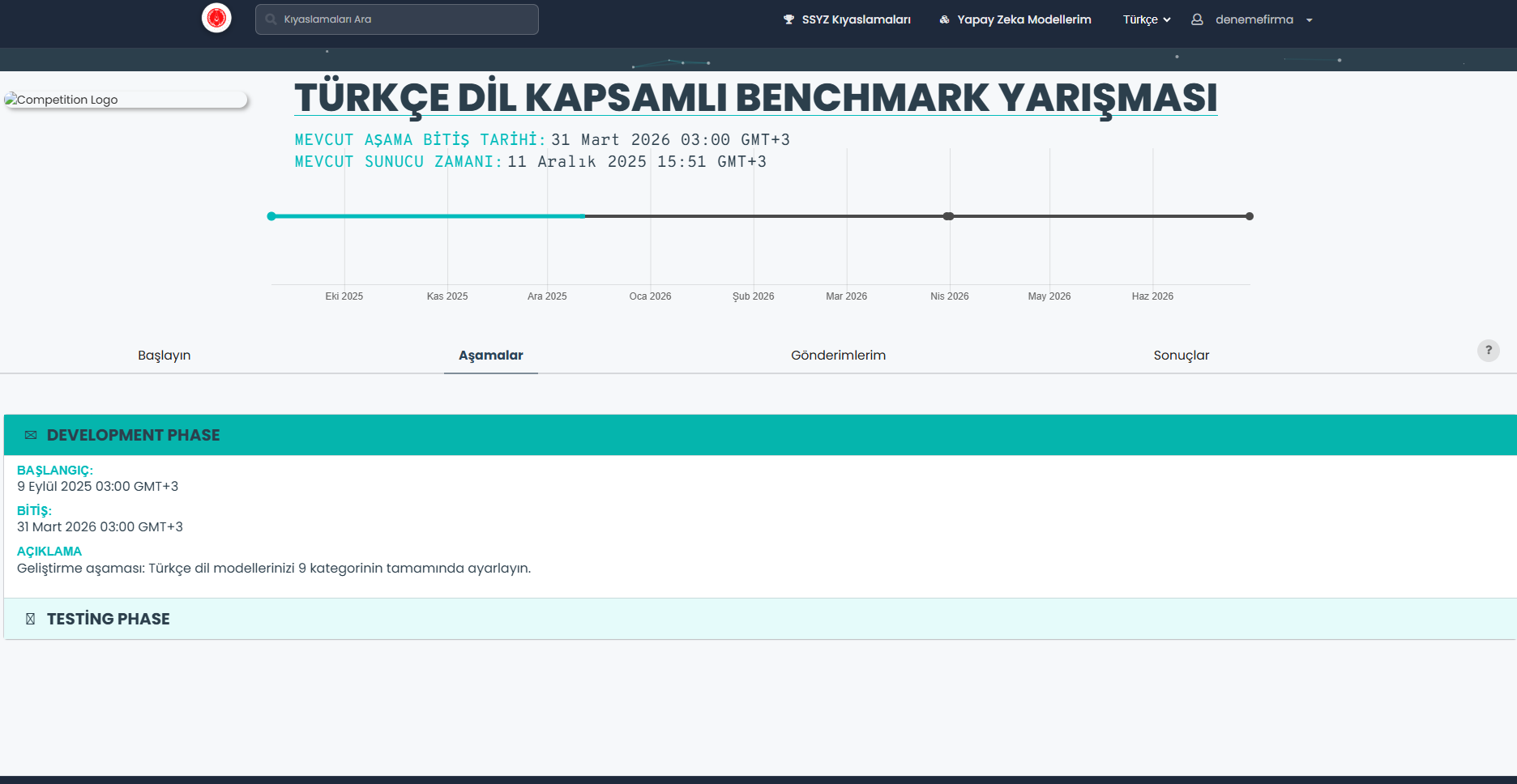
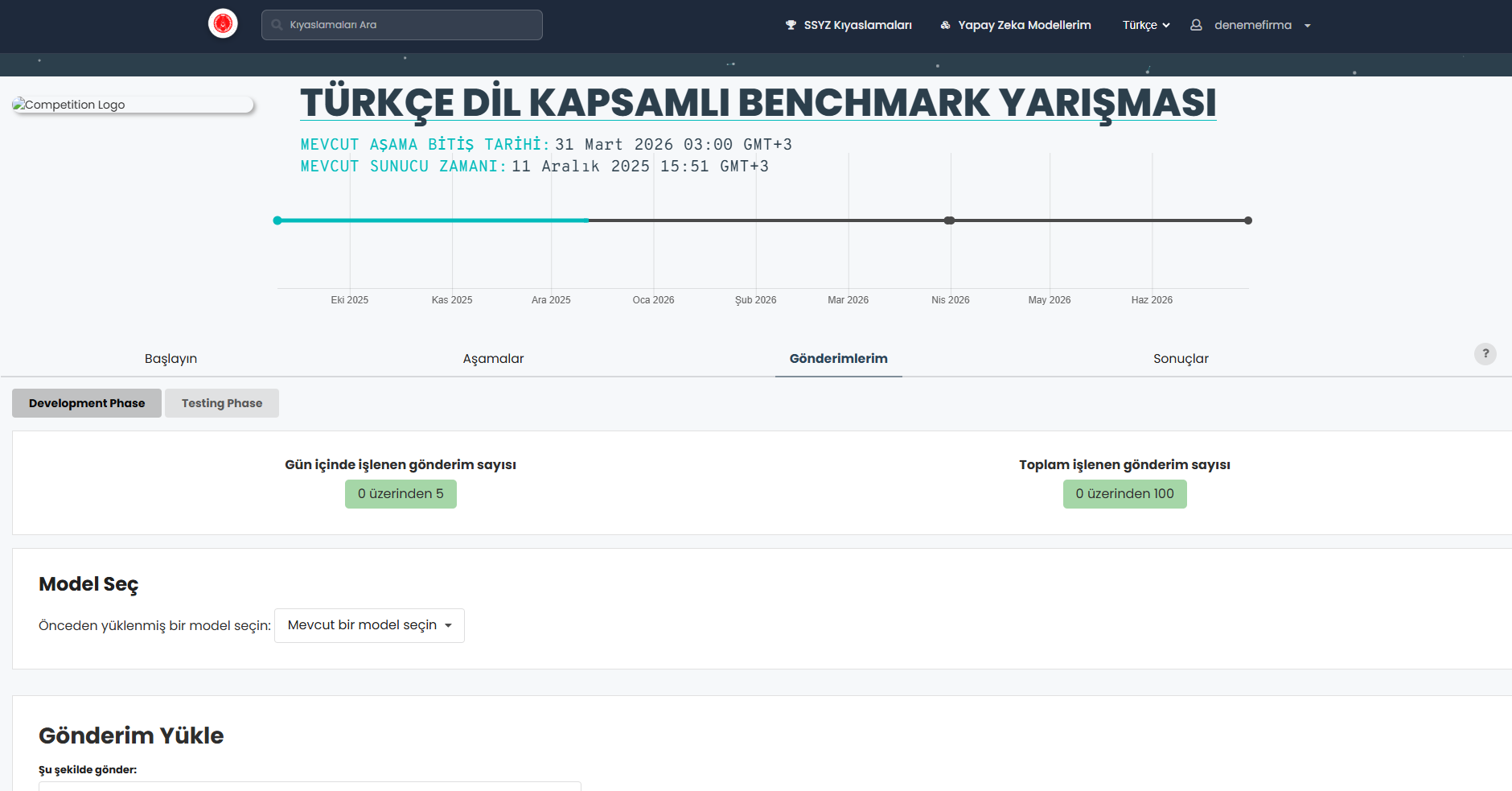
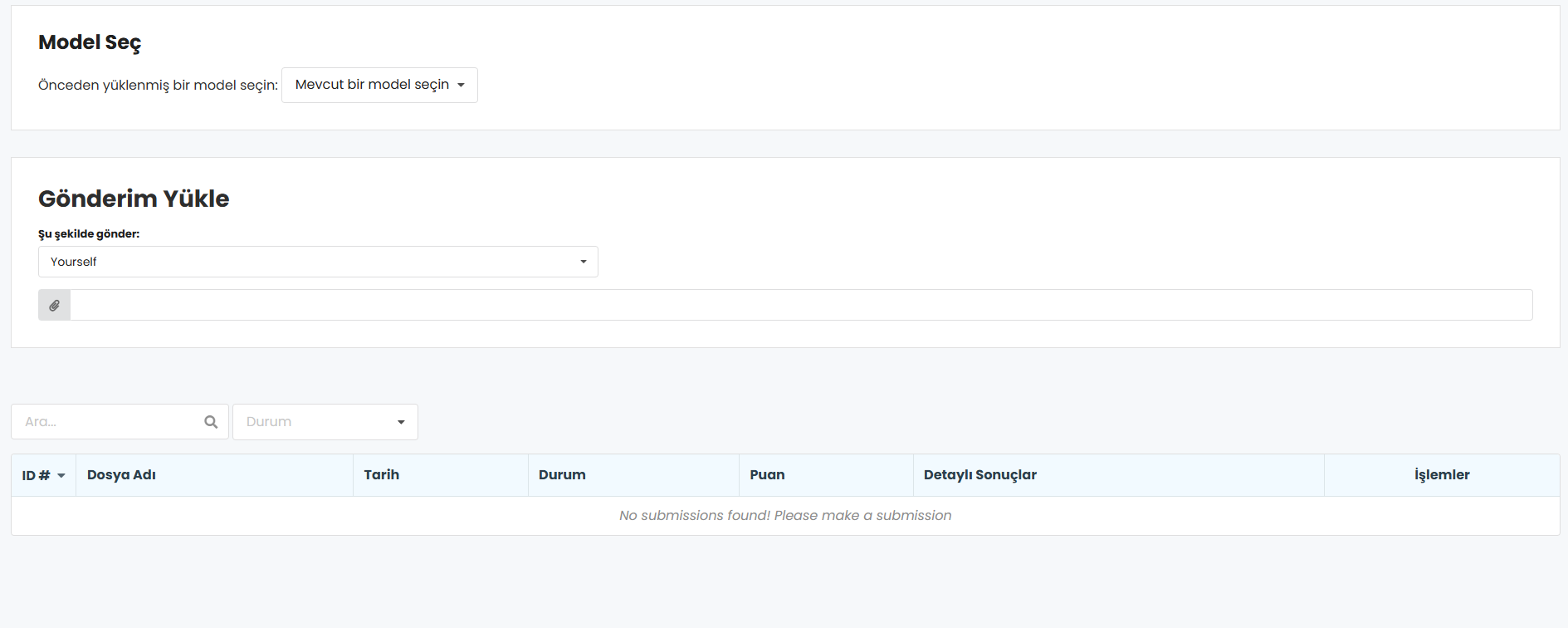
The “My Submissions” section allows uploading model submissions and reviewing previous submissions for each phase.
The Results section displays leaderboard rankings. Clicking a participant’s name reveals detailed information.

Participation and Submission Process
Benchmark Registration
To enter a benchmark, users must open the “My Submissions” tab and accept the rules. When required, a registration request is sent to the organizer. Once approved, the user is notified. Organized instructions must be followed during this step.
Submission Types
Submissions require uploading a .zip file prepared according to organizer specifications:
a. Code Submission: Includes a metadata file specifying the execution command. b. Result Submission: Submission of model inference results. (No code is executed on the platform.)
Submission Steps
- Log in to the SSYZ Benchmark Platform. If you do not have an account, you must create one using an invitation code.
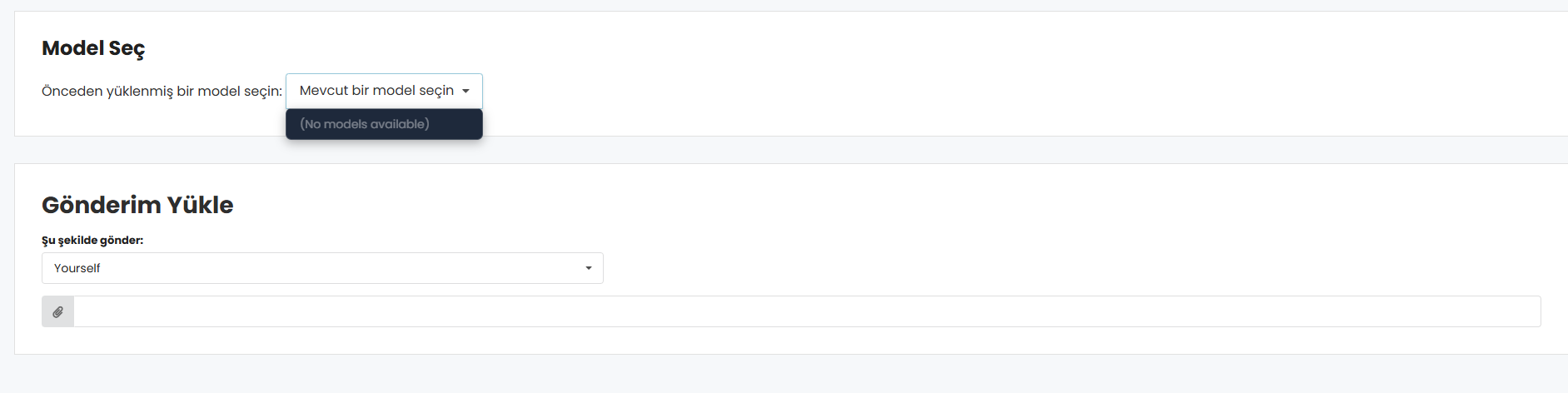
- Choose a benchmark and open the “My Submissions” tab. Provided datasets can also be downloaded here.
- In the upload area:
- Enterprise users upload on behalf of their organization,
- Academic users upload individually.
- Click the attachment icon and upload the .zip file.
- If you previously uploaded a model, it may be selected from the “Choose Model” list.
Submission Results
Submission status and results can be monitored through the “My Submissions” tab. Users may choose to make any submission public, in which case it will appear on the leaderboard in the Results section.



SSYZ Benchmark Platform
SSYZ Benchmark Platform is an enterprise platform that enables secure and comparable evaluation of large language models on the SSYZ network infrastructure operated under SSB coordination.
Presidency of Defense Industries - Artificial Intelligence Center (SSYZ)