Platform Interface
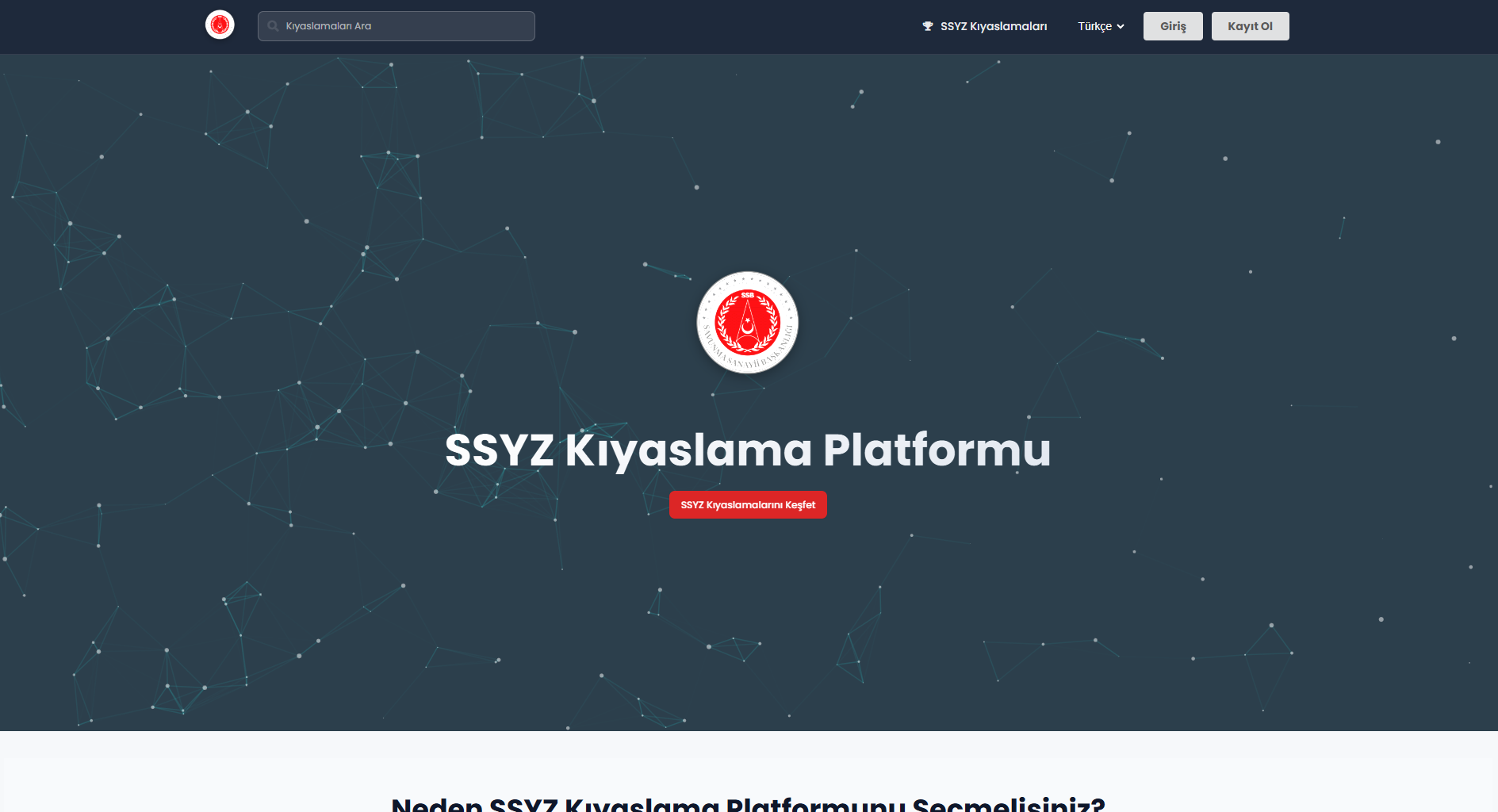
Home Page and Basic Functions
After login, users can view published benchmarks and upload their own models to participate. Users can access published benchmarks through: 1. The “SSYZ Benchmarks” button located in the top menu, 2. The “Explore SSYZ Benchmarks” button under the platform header, 3. By searching the benchmark name using the search bar.
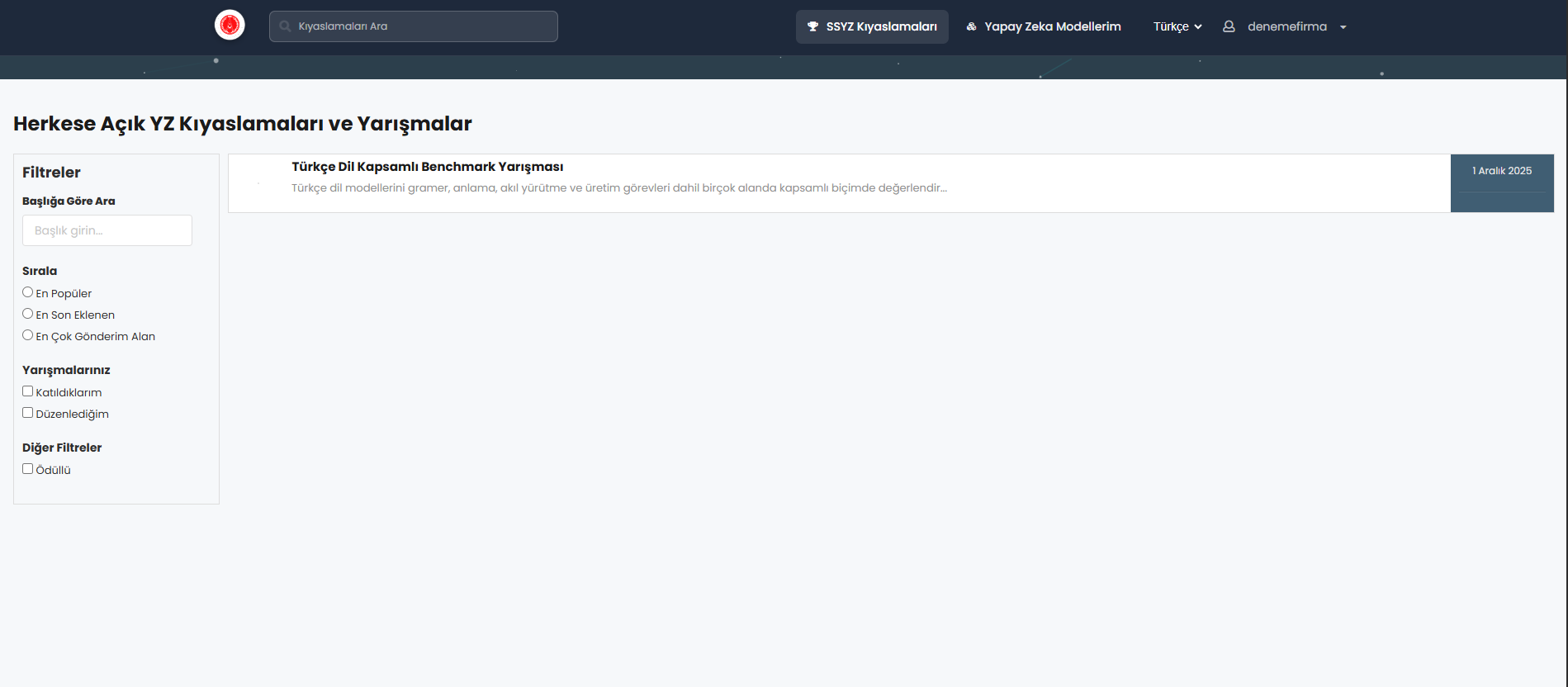
Through the “My AI Models” tab, users can upload, manage, and modify their models for participation in benchmarks

Language Selection
The platform supports both Turkish and English. The default language is Turkish. Users can switch languages from the selector located at the top-right corner of the platform.

Account Management
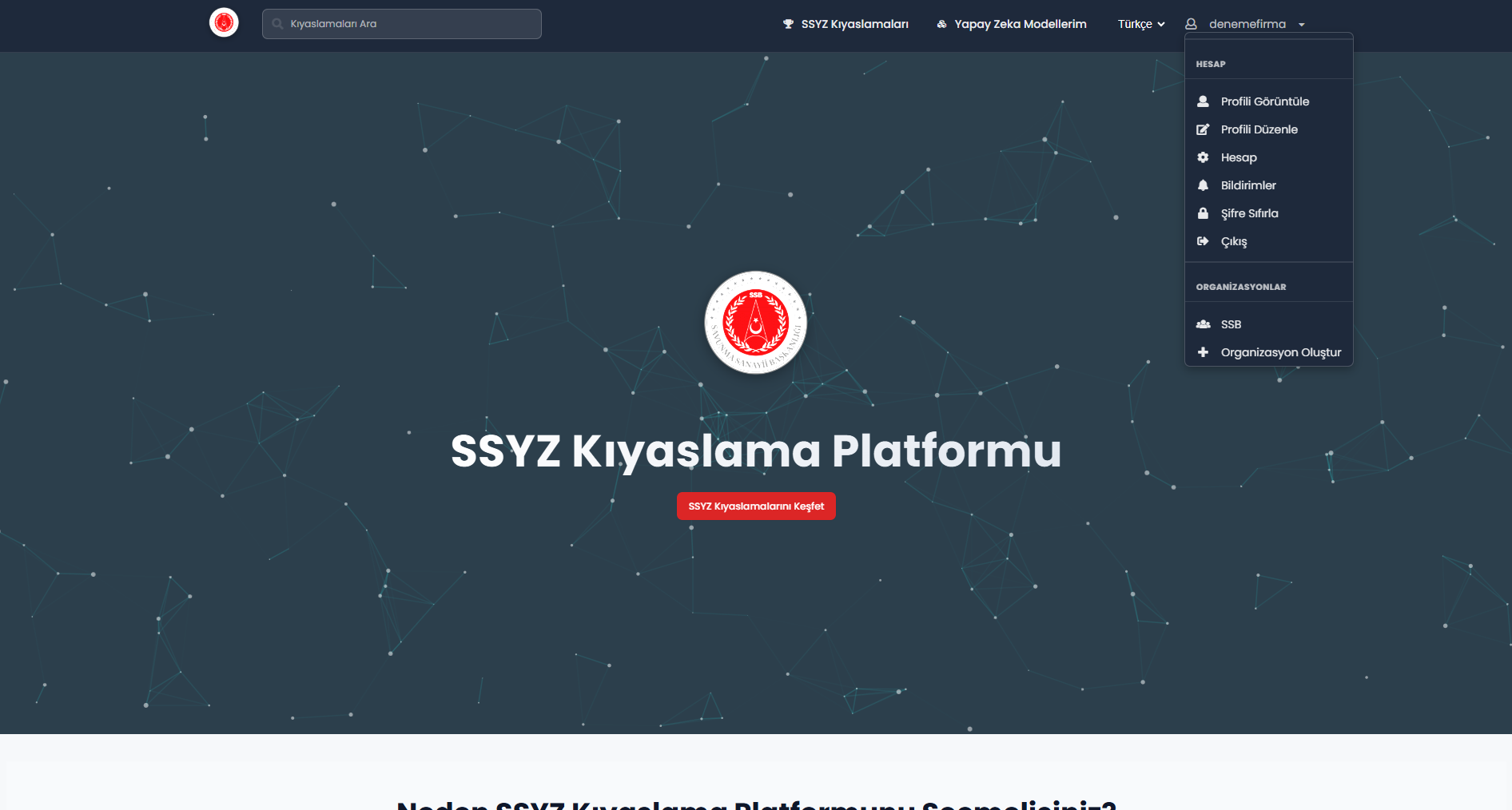
Account management can be accessed from the dropdown menu under the username located in the top-right corner after login.



SSYZ Benchmark Platform
SSYZ Benchmark Platform is an enterprise platform that enables secure and comparable evaluation of large language models on the SSYZ network infrastructure operated under SSB coordination.
Presidency of Defense Industries - Artificial Intelligence Center (SSYZ)