Accessing the SSYZ Benchmark Platform
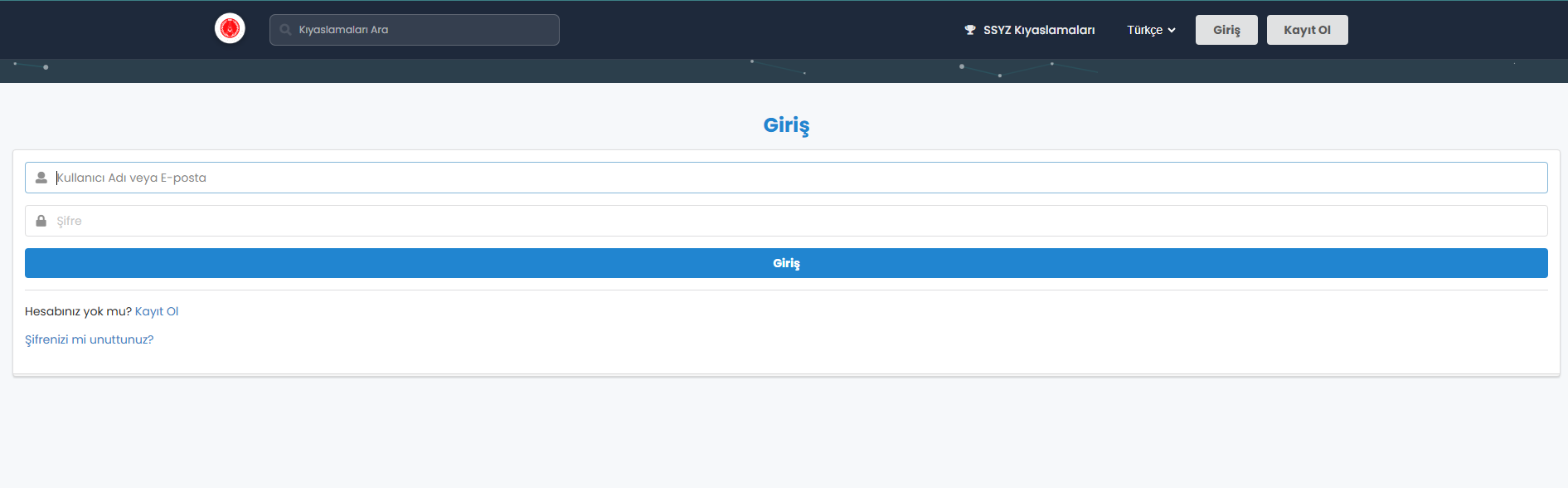
The Benchmark Platform can be accessed via the kiyasla.ssyz.org.tr address. Certain enterprise and academic users are pre-registered in the system. Registered users can sign in using their e-mail address and password by clicking the “Sign In” button on their computer.
Registration on the SSYZ Benchmark Platform
Registration for Enterprise Users
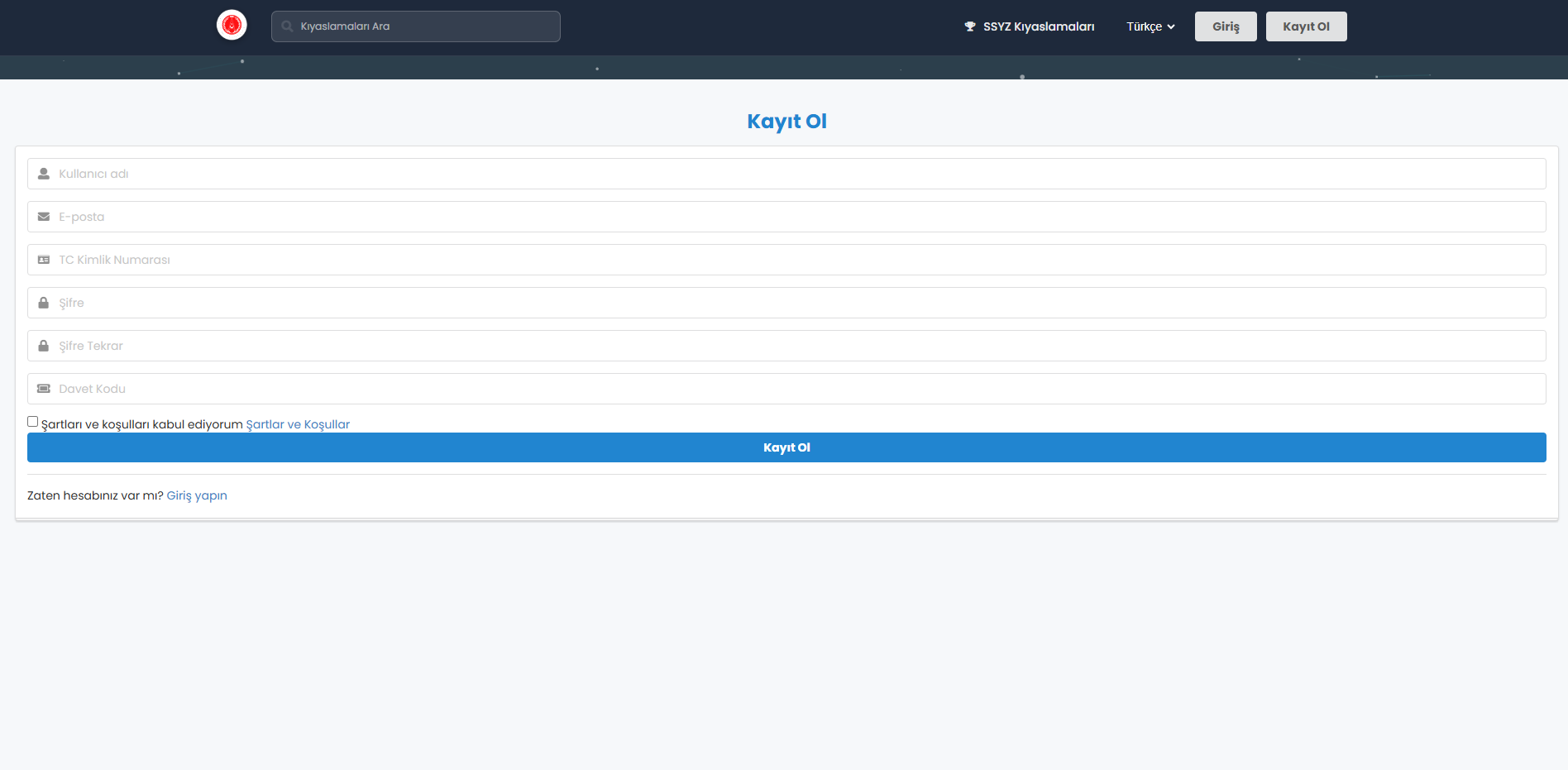
After accessing the kiyasla.ssyz.org.tr address, enterprise users click the “Sign Up” button and complete the registration form. 1. The “Invitation Code” field must be filled in with the code sent by SSYZ via e-mail. 2. If the invitation code is entered correctly, the account is successfully created, activated, and the user gains access to the platform.
Registration for Academic Users
Academic users access the kiyasla.ssyz.org.tr address, click the “Sign Up” button, and complete the registration form. 1. The “Invitation Code” must be entered exactly as provided by SSYZ via e-mail. 2. Once the invitation code is correctly submitted, the account is created, activated, and the user gains access to the platform.



SSYZ Benchmark Platform
SSYZ Benchmark Platform is an enterprise platform that enables secure and comparable evaluation of large language models on the SSYZ network infrastructure operated under SSB coordination.
Presidency of Defense Industries - Artificial Intelligence Center (SSYZ)