Account Management

View Profile

Users can open the profile page by selecting “View Profile” under their username.

  1. The profile displays information provided during registration or later updates.
  2. If the user is an academic participant and has joined competitions, their profile is visible to other users; therefore, accuracy is recommended.
  3. Enterprise users must participate via their organization. If they participate individually, their profile also becomes publicly visible.
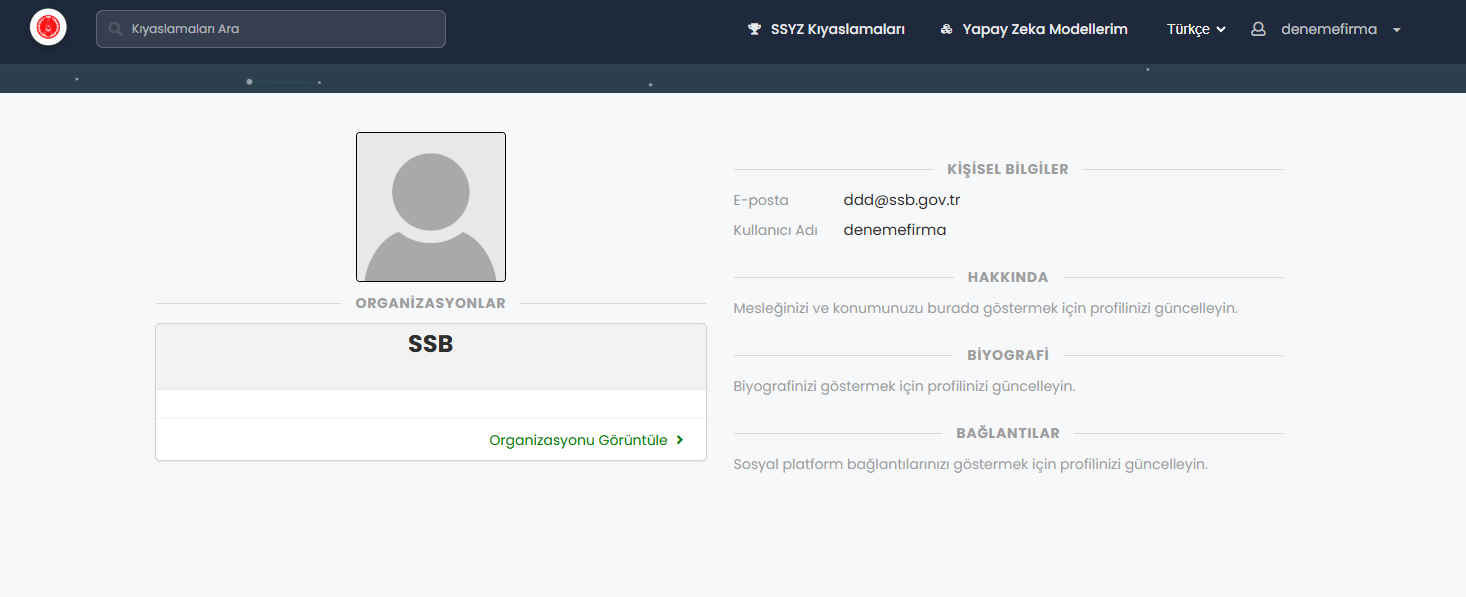
Edit Profile

Users may edit all profile information except their e-mail address. 1. Information may be visible to other users. 2. It is recommended to provide accurate details representing corporate or academic identity.

Account Deletion

i. Users may delete their account via the “Delete Account” option. 1. Users are informed the process cannot be undone.
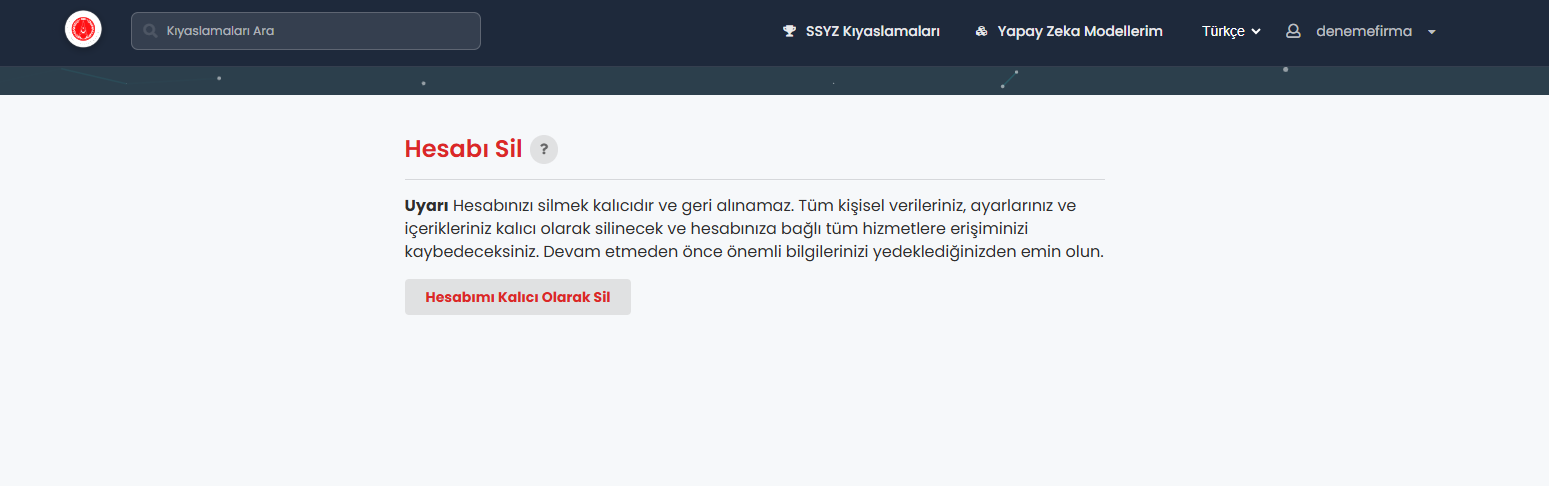
  1. After confirming via the form, the deletion is completed.
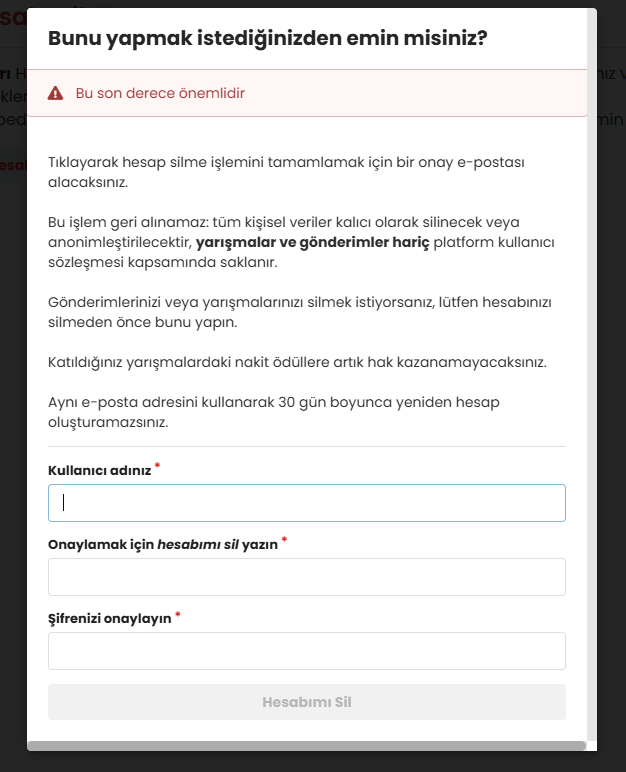
  1. Once the account is deleted, the user loses access to model uploads.

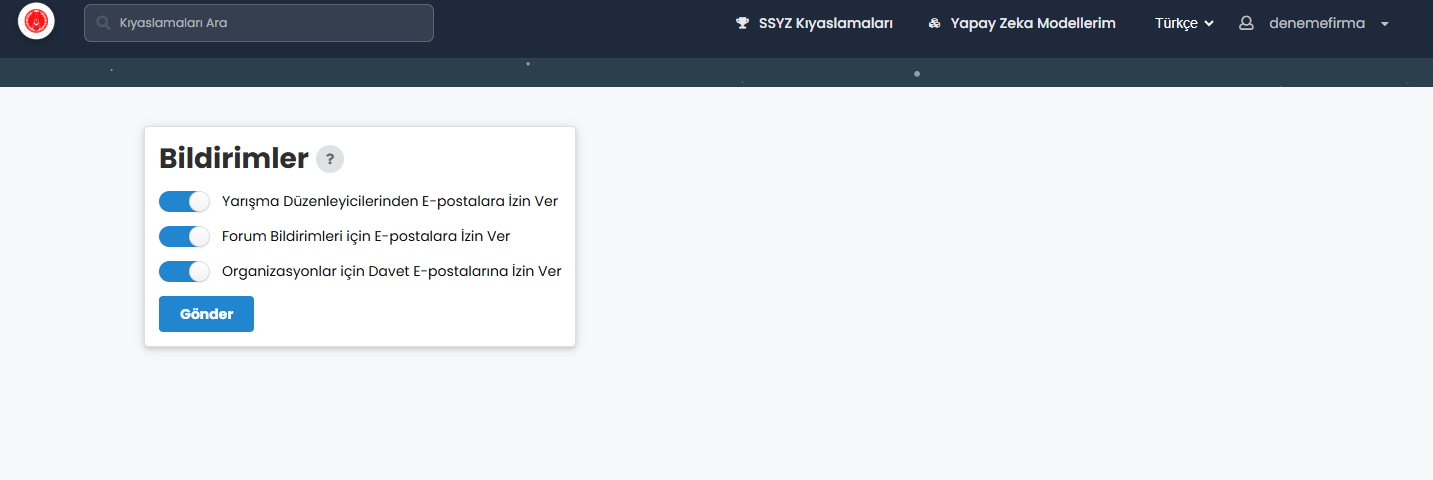
Notifications

i. Users can customize notifications related to: 1. New competitions, 2. Competition organizers, 3. Organizational activities. The Notifications page allows enabling or disabling preferences.
Change Password

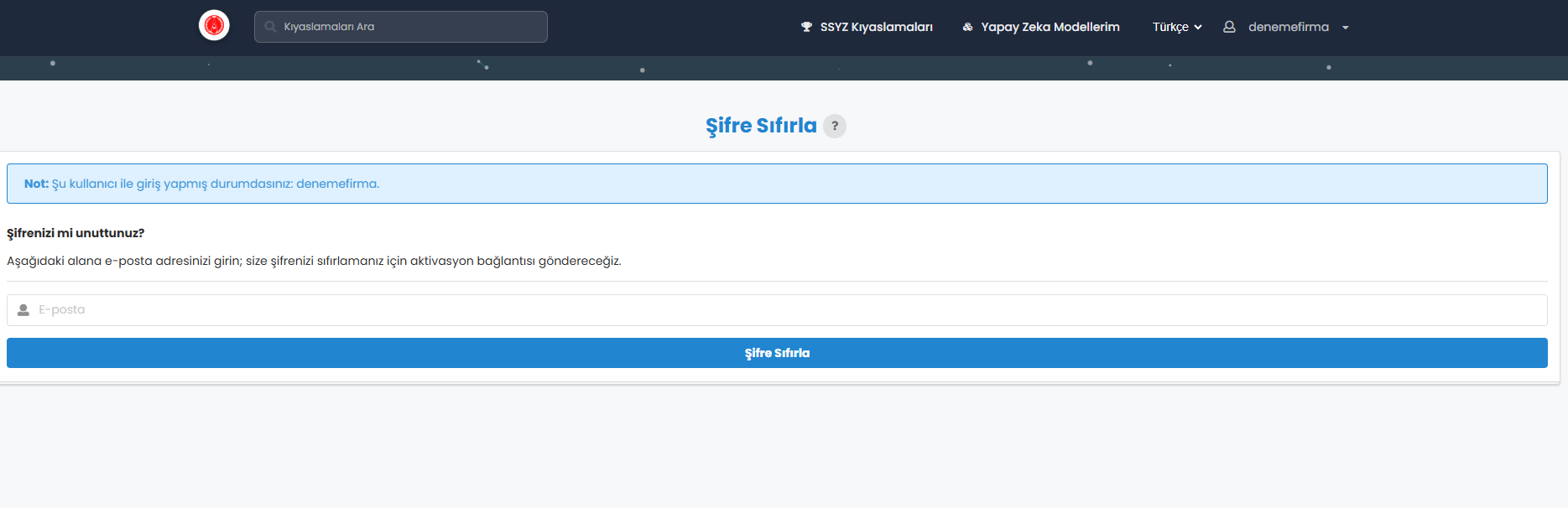
i. To reset their password, users select “Reset Password”, enter their e-mail address, and confirm. ii. A password reset link is sent via e-mail.
Logout

i. To sign out, users select “Log Out” from the account menu. This securely terminates the session.


Edit Created By: Key: Is Public: Yes No Files Solutions Search by name... Show Public Tasks Upload Task Create Task Delete Selected Tasks Name Description Creator In Use Public Actions Select Users Select top 5 biggest users Download as CSV Last snapshot date: No snapshot has been taken yet User Joined at Datasets Submissions Total usage Competitions usage Users usage Administration usage Orphaned files usage Select top 5 biggest competitions Competition Organizer Creation date Submission Management Search Users... Search Competitions... Re-run Selected Stop Selected Delete Selected File Name File Size Submitted at Processing Start Processing End Compute Worker Queue Docker Image User Management Portal Search Users... Name Username Email User Type Delete User Delete User ? Cancel Change User User ID Switch User Search... Delete Selected File Name Benchmark Size Uploaded Delete? No Datasets Yet! Details Key Created By Created Description: Used by: Download File Close Filter Leaderboard by Columns Start typing to filter columns under 'Meta-data' or Tasks. Task: # Participant Date ID This CSV This JSON You are not a participant of this competition. Please register in My Submissions tab to view the leaderboard. Your request to participate in this competition is waiting for an approval from the competition organizer. Your request to participate in this competition is denied. Please contact the competition organizer for more details. No submissions have been added to this leaderboard yet! Preparing submission... this may take a few moments.. Scoring Ingestion ---- Approved Pending Denied Unknown Show deleted accounts Email all participants Download all participants Username Is Bot? account deleted Revoke Approve Send Message Send Email Subject A message from the admins of {competition_title} Content Number of submissions used for the day The submission limit resets at midnight server time. Number of total submissions used All ID # File name Owner Phase Date Status Score Detailed Results Actions Run Submission Rerun Submission Delete Submission Cancel Submission Add to Leaderboard On the Leaderboard Make Public Make Private Task Admin ERROR: Submission is a parent, but has no children. There was an error during creation.